MRX Learning Center
Brazos CAD Mineral Property Protest Status Verification Log
Keep a reproducible post-submission record of what an official Brazos source displayed, when it was observed, and where interpretation must stop.
Direct answer for mineral owners
After an authorized human has filed a protest and retained the official confirmation, record each official-source observation in a new row: exact source, tax year as displayed, field label, status text verbatim, observation time, controlled capture reference, limitation, and one neutral workflow state. Do not interpret the display, calculate a deadline, recommend action, disclose private data, or treat a field as proof of legal effect or outcome.
Key takeaways for mineral owners
- Start only after submission; account search, contact routing, and pre-filing evidence assembly are separate workflows.
- Copy the displayed source label, tax year, field label, and status text exactly, with observation date, time, and time zone.
- Preserve every observation as a separate row instead of overwriting history or inferring a change from memory.
- Use only observed, not displayed, conflict recorded, or authorized-human-stop as administrative workflow states.
- Keep identifiers, confirmations, notices, screenshots, hearing records, values, and completed logs in an authorized controlled system.
- Stop before interpretation, contact, login, amendment, upload, payment, signature, submission, valuation, or owner-specific advice.
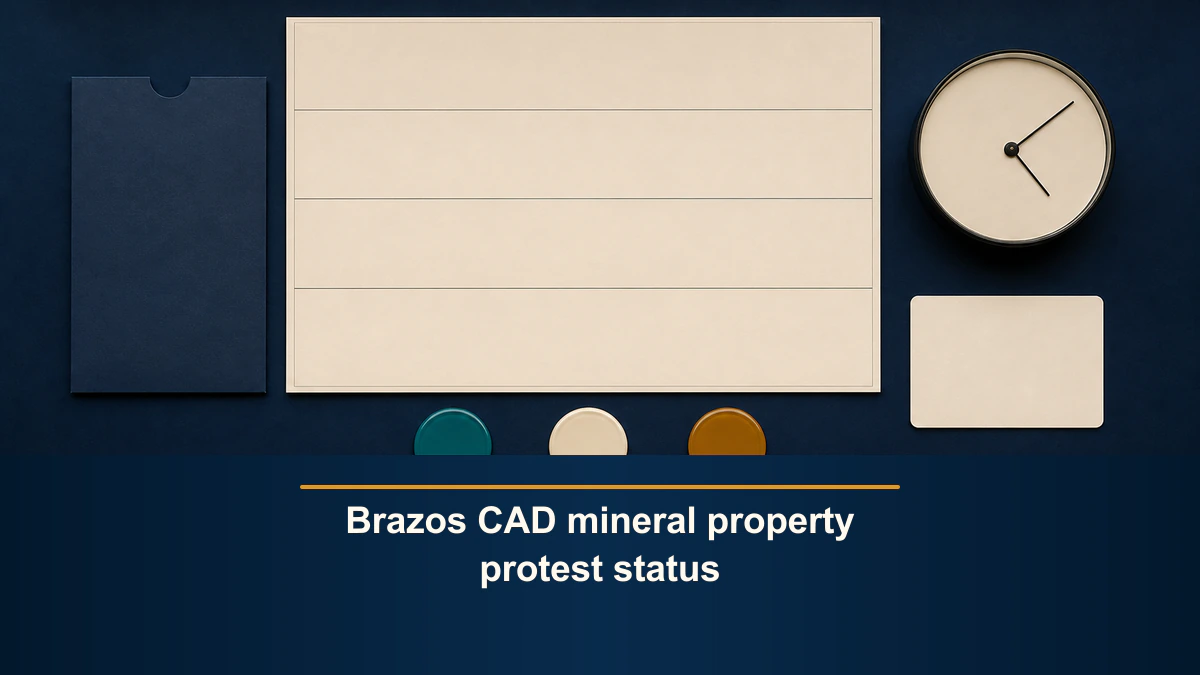
Post-submission observation boundary. Use this blank log only after an authorized human has already submitted a property-tax protest and retained the official confirmation. It records what an official source displayed at a particular time. It does not search for an account, route contact, assemble filing evidence, file or amend a protest, interpret a status or deadline, calculate or challenge value, choose a representative, recommend action, disclose private data, or predict acceptance, a hearing, relief, or any outcome. MRX provides educational information and resources only and does not buy mineral rights.
A Brazos CAD mineral property protest status verification log should preserve an observation, not turn the observation into a conclusion. Start a new row for every check. Record the exact official source, tax year as displayed, field label, status text verbatim, observation date and time, time zone, controlled capture reference, and source limitation.
Use only four administrative states: observed, not displayed, conflict recorded, and authorized-human-stop. These states describe the log. They do not mean pending, accepted, scheduled, heard, resolved, granted, denied, complete, legally effective, or successful.
Confirm that this workflow starts after submission
This page has a narrow starting condition: an authorized human has already submitted the protest through an approved channel and retained the official confirmation. If that has not happened, do not use a status-observation row as a substitute for filing evidence.
Keep the phases separate:
- If the account is not yet identified, use the Brazos CAD account-search and retrieval-provenance worksheet.
- If the question is where an official source directs an inquiry, use the Brazos CAD contact-routing worksheet.
- If documents are still being organized before any submission, use the Brazos County property-tax protest evidence packet.
- Use this log only for a post-submission, time-stamped observation.
The retained confirmation belongs in an authorized controlled system. A neutral reference such as CONTROLLED-CONFIRMATION-REF is enough for the blank log.
Anchor every row to the exact official source
The current Brazos CAD Property Search exposes protest-related field labels including Protest Status, Informal Date, Formal Date, Hearing Date, Board Members, and Tax Year. It also states that displayed information is provided for research and that legal descriptions and acreage should be verified before legal use.
Those field labels are source context, not legal definitions. Do not translate a blank field into no protest, a date into notice received, or a displayed phrase into an owner-specific legal conclusion. Record exactly what appears. When a field is absent or blank, use not displayed and preserve the observation time.
For each row, capture:
- Source identity. Record the publisher and exact page title, not a search-engine label or saved bookmark name.
- HTTPS URL. Preserve the exact official URL used for the observation.
- Tax year as displayed. Do not infer the year from today’s date, the filing date, or a previous notice.
- Field label. Copy the label exactly as displayed.
- Displayed text. Transcribe the text verbatim without shortening it into an assumed state.
- Observation time. Record date, time, and time zone.
- Controlled capture reference. Point to an authorized screenshot or retained record without embedding private data in the reusable log.
- Source limitation. Preserve the source’s stated limitation and any access limitation encountered.
- Workflow state. Choose only
observed,not displayed,conflict recorded, orauthorized-human-stop.
Keep one observation per row
Do not overwrite an earlier row when the display changes. A verification log is valuable because it preserves sequence and provenance.
- Observation ID: Use a neutral internal reference, not an owner or account identifier.
- Official source: Copy the publisher and page title exactly.
- Tax year: Copy only the year displayed with the observed field.
- Field label: Preserve the exact label without interpretation.
- Displayed text: Quote the source text verbatim in the controlled record.
- Observed at: Record date, time, and time zone.
- Capture reference: Point to a controlled file; do not expose the file publicly.
- Source limitation: Preserve the stated research, accuracy, or access limitation.
- Workflow state: Use only one of the four allowed administrative states. | Human question | Write the unresolved question without recommending an answer. |
The public example stays blank. Account numbers, owner keys, names, addresses, notices, confirmation numbers, hearing records, values, screenshots, and completed logs remain outside the public article.
Treat the four workflow states as labels, not meanings
Observed
Observed means the exact text was visible at the recorded official source and observation time. It does not mean MRX authenticated the filing, verified notice, confirmed hearing scheduling, or determined legal effect.
Not displayed
Not displayed means the defined field or text was not visible in that observation. It does not mean the event did not occur, the record does not exist, or an owner has no right or obligation.
Conflict recorded
Conflict recorded means two retained observations or documents do not align on a defined field, text, tax year, or period. Preserve both source identities and times. Do not decide which source is correct or controlling.
Authorized-human-stop
Use authorized-human-stop whenever the next step would require credentials, private data, contact, amending or filing a document, signing, payment, legal interpretation, tax guidance from a qualified professional, appraisal judgment, valuation, or another owner-specific decision.
These labels make the worksheet auditable without pretending that administrative observation is professional advice.
Separate displayed status from legal or procedural effect
The Texas Comptroller property-tax protest resource explains that the protest process can include written hearing notice, an informal conference, an ARB hearing, and a written order after the ARB rules. It also explains that the Comptroller cannot advise a property owner, authorized representative, or appraisal district about a matter under protest.
That context is why the log must remain literal. A displayed field is not a substitute for the official notice or order. A date visible on a page does not by itself establish delivery, a deadline, attendance requirements, waiver, appeal rights, or the legal posture of an owner-specific matter.
The Texas Comptroller ARB page describes the appraisal review board as the local body authorized to resolve disputes between owners and appraisal districts. This log does not speak for the ARB, confirm that it has taken an action, or predict what it will decide.
Texas Tax Code Chapter 41 supplies the governing statutory context. Recording its source identity is not the same as interpreting it. Any question about notice, deadlines, hearing procedure, rights, remedies, or legal effect requires the current official materials and qualified review.
Preserve differences without explaining them
When a new observation differs from an earlier one, add a separate row and a neutral comparison note:
The exact displayed text differs between the two recorded observation times.The observations show different tax years.The retained notice and public display do not use identical field text.The defined field was not displayed in one observation.The secure source requires an authorized-human stop.
Do not write:
The protest was accepted.The hearing has been scheduled correctly.The district missed a deadline.The owner should call or file again.The appraisal will be reduced.The displayed value is wrong.
A difference is a fact about two records. Its cause, importance, legal effect, and next action are separate questions.
Apply the secure-interface stop
The mineral appraisal interface visibly separates its public landing surface from credentialed owner access. Do not create credentials, test another person’s access, enter an owner key, or expose a confirmation or account identifier to complete this blank workflow.
If an owner-specific status can be seen only after login, record the public source identity and authorized-human-stop. An authorized person can make the observation inside the approved system and retain the resulting evidence there. The reusable article should never contain the private value.
Do not copy screenshots into email, chat, or an unrestricted folder merely because the log asks for a capture reference. The reference should point to the controlled record without reproducing it.
Hand off an unresolved observation without giving advice
A useful handoff packet is short:
- the neutral observation ID;
- exact official source and URL;
- displayed tax year;
- exact field label and displayed text;
- observation date, time, and time zone;
- controlled capture reference;
- prior observation reference, if any;
- source limitation;
- one allowed workflow state; and
- one unresolved question.
The unresolved question can say, What current official notice or qualified review is required to understand this difference? It should not say, Which deadline did the district violate? or What should the owner file next?
An authorized human should verify the recipient, purpose, current official instructions, minimum necessary data, approved channel, and professional role before any disclosure or action.
Final verification checklist
Before closing an observation row, confirm that:
- the protest was already submitted by an authorized human;
- the official confirmation remains in a controlled system;
- the source publisher, page title, and HTTPS URL are exact;
- the tax year comes from the same display as the observed field;
- the field label and text are copied verbatim;
- the observation includes date, time, and time zone;
- the capture reference does not expose private data;
- the source limitation is preserved;
- prior observations remain unchanged;
- any difference is recorded neutrally;
- no acceptance, scheduling, notice, deadline, legal-effect, value, strategy, or outcome conclusion appears; and
- any interpretation or action ends at
authorized-human-stop.
Current systems, notices, field labels, and procedures can change. Re-check the applicable official source at the time of each observation. Never substitute an old screenshot, search snippet, prior-year notice, or another owner’s display for the current owner-authorized record.
Frequently asked questions
Does observed mean the protest was accepted?
No. It means only that the exact text was visible at the recorded source and time. It does not establish filing validity, acceptance, notice, scheduling, legal effect, or outcome.
Should I delete the previous row after a status changes?
No. Preserve the earlier observation and add a new row. The sequence is the evidence. This worksheet does not decide why the display changed.
Can the log calculate my hearing or appeal deadline?
No. It does not calculate or interpret deadlines. Use the current official notice and qualified advice before any owner-specific action.
What if the public display and retained notice conflict?
Record each source, tax year or period, exact text, and observation time. Mark conflict recorded and stop before deciding which source controls or what the difference means.
Can the reusable worksheet contain my confirmation number?
No. Keep confirmation numbers and other identifiers in an authorized controlled system. Use a neutral reference in the blank log.
Sources reviewed for this article
- Brazos CAD Property Search
- Capitol Appraisal Group: Mineral Appraisal Interface
- Texas Comptroller: Property Tax Protests and Appeals
- Texas Comptroller: Appraisal Review Boards
- Texas Legislature: Tax Code Chapter 41
This log is educational and administrative. It is not a filing receipt, notice determination, status interpretation, deadline calculation, legal or tax opinion, appraisal, valuation, protest recommendation, representation service, or outcome promise. Keep completed materials in an authorized controlled system and use current official sources and qualified professionals for owner-specific decisions.
Frequently asked questions
Does an observed status prove that my protest was accepted or scheduled?
No. Observed means only that the exact text was visible at the recorded source and time. It does not establish filing validity, acceptance, notice, scheduling, legal effect, or outcome.
Should I replace the previous row when the display changes?
No. Keep the earlier row and add a new time-stamped observation. The log preserves a sequence; it does not decide why a display changed or which entry controls.
Can this log calculate a hearing or appeal deadline?
No. It records displayed information without calculating or interpreting a deadline. Verify current official notices and obtain qualified advice before any owner-specific action.
What if the public source and a retained notice do not match?
Record the exact text from each source, its tax year or covered period, and conflict recorded. Do not choose a controlling source or infer a legal conclusion.
Can I put my confirmation number in the reusable worksheet?
Keep confirmation numbers and other identifiers only in an authorized controlled system. The public template and images remain blank and use neutral controlled references.
Sources reviewed for this article
- Brazos CAD Property Search (accessed 2026-08-26)
- Capitol Appraisal Group, Mineral Appraisal Interface (accessed 2026-08-26)
- Texas Comptroller, Property Tax Protests and Appeals (accessed 2026-08-26)
- Texas Comptroller, Appraisal Review Boards (accessed 2026-08-26)
- Texas Legislature, Tax Code Chapter 41 (accessed 2026-08-26)
Related mineral-rights articles

Brazos County, Texas Mineral Rights Property Tax Protest Evidence Packet
Assemble a reproducible evidence index for an already-identified Brazos mineral appraisal account while preserving source limits, discrepancies, and private-data boundaries.
Read the post →
Brazos CAD Mineral and Industrial Account Contact-Routing Worksheet
Route a single existing Brazos mineral or industrial account question without exposing private data, performing contact, or turning a destination label into a conclusion.
Read the post →
Brazos CAD Mineral Account Search Retrieval Provenance Worksheet
Preserve one official Brazos CAD mineral account search attempt without turning a displayed account into ownership, title, appraisal, tax, value, or transaction proof.
Read the post →
Texas Comptroller County Appraisal District Directory Retrieval Provenance Worksheet
Create one blank provenance record for one authorized manual attempt through the official Texas Comptroller county directory without expanding into property or tax-record research.
Read the post →A practical next step
Put your mineral rights in context.
Every mineral interest, royalty history, and written offer is different. Start with a question, or share what you have for a free underwriter review.
- Free
- Confidential
- No obligation to sell
Ready for a closer look?
Review the Pre-Submission Evidence BoundaryGet a directional range with the assumptions clearly stated.