MRX Learning Center
How to Locate an Unanswered Question in a Mineral Rights Worksheet
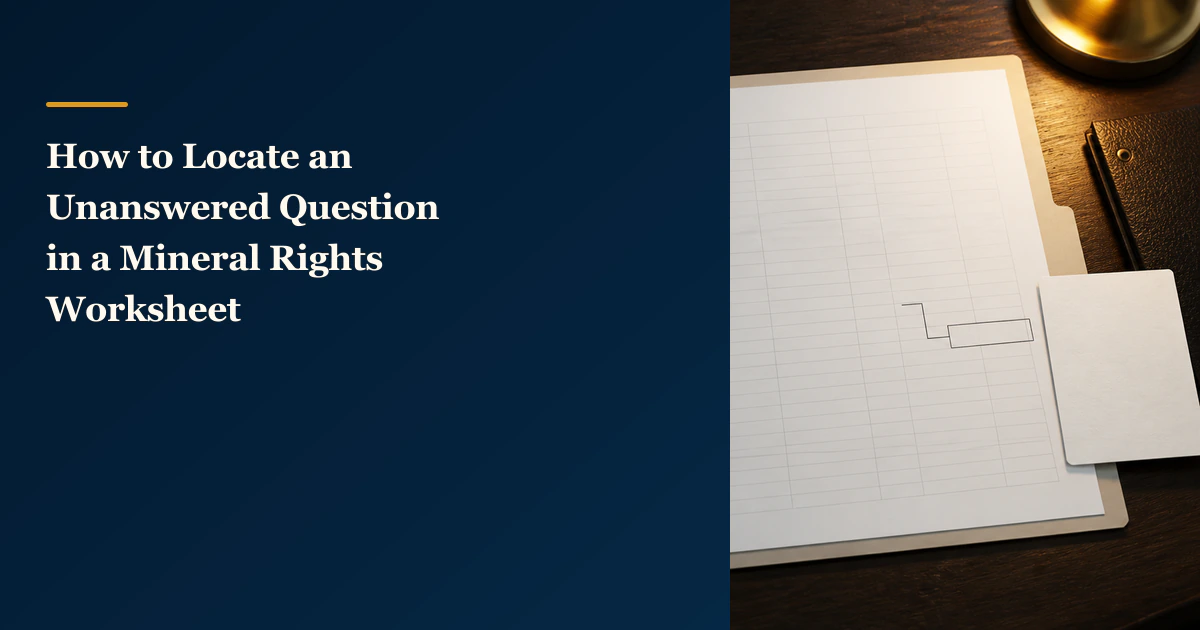
A mineral rights worksheet question locator points a reviewer to one exact unanswered item without changing or evaluating the worksheet.
Direct answer for mineral owners
Name the exact worksheet file and displayed version, identify the tab or page and visible cell, range, row, or field label, copy any displayed source reference without judging it, write one neutral unanswered question, and route it only to the recipient or queue already shown. The locator helps a reviewer find the item; it does not change the worksheet or request a correction.
Key takeaways for mineral owners
- Use one locator row for one unanswered question and point to the exact reviewed file and visible location.
- Copy labels, locations, versions, dates, and displayed source references exactly as shown; do not silently reinterpret them.
- Phrase the question neutrally and leave the worksheet, inputs, formulas, outputs, and evidence unchanged.
- A locator is not a correction packet, source-validation record, decision log, appraisal, or transaction recommendation.
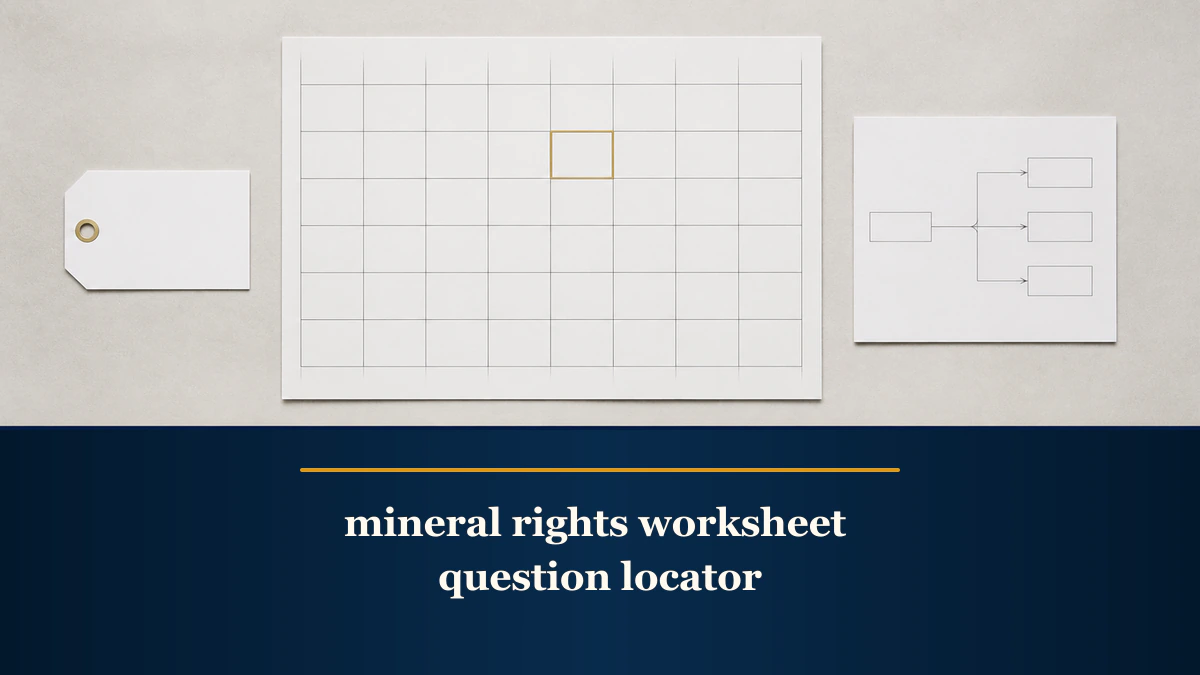
Locator boundary. This article explains how to point a reviewer to one unanswered question inside an existing mineral-rights worksheet. It does not identify an error, request a correction, validate a source, change an input or formula, calculate or certify value, establish ownership or title, analyze an offer, or recommend a transaction. MRX provides educational information and resources only and does not buy mineral rights.
A mineral rights worksheet question locator is a small routing table, not a new analysis. Name the exact file you reviewed, preserve the version or date displayed, identify the tab or page and visible location, copy any source reference exactly as shown, and write one neutral unanswered question. If the worksheet already shows a reviewer or queue, record that handoff; otherwise leave it unresolved.
The locator’s only outcome is findability. It helps another person open the same worksheet and reach the same displayed item without guessing which file, tab, row, or field you meant.
Start with one locator row
Use these fields:
| Field | What to record |
|---|---|
| Locator ID | A stable neutral row label, such as Q-001 |
| Reviewed file | The file title exactly as displayed |
| Displayed version or date | The received, reviewed, revision, or issue date shown in the file, if any |
| Tab, page, or section | The visible worksheet tab, PDF page, or named section |
| Exact location | A visible cell, range, row/column, table row, field label, or other precise location |
| Displayed label | The field or heading text exactly as shown |
| Displayed source reference | Any source name, link, record ID, or citation already printed beside the item; otherwise not shown |
| Unanswered question | One short neutral question about the displayed item |
| Handoff | The reviewer, contact, or queue already shown in the worksheet; otherwise unresolved |
Do not add a proposed value, corrected number, replacement source, error label, priority score, probability, decision, or recommendation. Those additions turn the row into a different work product.
Identify the reviewed file before the question
Two files with similar names can contain different assumptions, formulas, dates, or outputs. Start by copying the complete displayed file title. Add the received or reviewed version/date only when it appears in or alongside the file. Do not invent a version number because a filename contains words such as “final,” “new,” or “revised.”
The National Archives metadata guidance identifies fields such as file name, record identifier, title, and creation date in its federal-records context. A private mineral-rights worksheet is not made subject to that federal guidance by this article. The useful general principle is narrower: record enough displayed identity information for another reviewer to retrieve the same item.
If the file has no visible version or date, write not shown. That is more accurate than substituting a download date, email date, local modified date, or guess.
Point to the visible worksheet location
Next, record the worksheet tab, page, or section. Within that area, use the most precise visible location available:
- a cell such as
B2; - a range such as
A1:F4; - a row and displayed field label;
- a table name and row label;
- a PDF page and heading; or
- a screenshot region only when the underlying file offers no stable textual location.
Microsoft’s overview of formulas in Excel explains that a reference identifies a cell or range and that Excel uses A1 and R1C1 reference styles. Copy the reference style already visible in the workbook. A location reference says where to look; it does not prove that the cell, formula, input, or output is correct.
When a merged cell, hidden row, protected sheet, named range, or software-generated table makes the location unclear, record the nearest visible label and leave a question about the location itself. Do not unhide, unlock, rename, recalculate, or restructure the worksheet as part of this locator.
Copy the source reference without judging it
Some worksheets display a source beside an input or finding. Copy only what appears: the agency or record name, link, query label, identifier, period, or access date. If no source is displayed, write not shown. Do not add a source from memory and do not label the displayed source authoritative, complete, matched, stale, controlling, or wrong.
This boundary matters with public oil-and-gas data. The Railroad Commission of Texas research-query directory lists separate systems for permits, well records, production, organizations, GIS, and other subjects, with different update frequencies. The Commission also states that its online query data sets are informational, continually updated, and not authoritative public records. A locator should therefore preserve the exact query or record reference shown instead of reducing it to “RRC data.”
The Commission’s Production Data Query System FAQs add context that can affect a question’s location and wording: PDQ uses query-path navigation, reports production at the lease level, updates monthly, includes a reporting lag, and can change as revised or delinquent reports arrive. Recording the visible lease, field, operator, district, county, period, or query-path reference helps a reviewer find the displayed item. It does not establish that the public record matches a private interest.
If the source reference is incomplete, the neutral locator question can ask which displayed record or period the worksheet used. It cannot declare the worksheet unsupported or supply a replacement record. For source-origin or AI-support classification, use the separate AI source-trace guide.
Write one neutral unanswered question
Phrase the question so it can be answered by looking at the identified item. Good patterns include:
- “Which displayed source reference supports this field?”
- “Which worksheet date applies to this row?”
- “Does this label refer to the cell or the entire range shown?”
- “Which already-listed reviewer or queue owns this question?”
Avoid conclusions disguised as questions, such as “Why is this number wrong?” or “Why was the correct source ignored?” Those statements assert an error before the locator has established one. Also avoid compound questions that ask about the source, formula, title, value, and transaction at once. Split distinct questions into distinct rows.
Do not rewrite the worksheet language inside the question. Quote only the short displayed label needed to locate the item, and keep owner names, contact details, account numbers, tax identifiers, signatures, payment information, and other sensitive material out of a shared locator unless an authorized secure workflow specifically requires them.
Route the question without assigning a new owner
Record a handoff recipient only when the worksheet, review cover note, or existing workflow already names that person, role, or queue. If no recipient is shown, write unresolved. The locator does not appoint a reviewer or decide whether the question belongs to an attorney, accountant, engineer, title professional, payor, operator, appraiser, or buyer.
The underwriter-review process guide explains the broader intake, document-matching, assumption, findings, and owner-next-step workflow. Keep that larger process separate. The locator has one narrower purpose: get one unanswered question to the exact worksheet location a reviewer needs.
Know when the locator must stop
Stop and create a different work product when the next step would:
- assert that an input, formula, record match, or result is wrong;
- propose replacement text, a new input, or a corrected value;
- attach evidence to support a factual change;
- classify whether AI output is sourced, inferred, or unsupported;
- inventory an entire document package;
- record a decision, status, accountable owner, or next action;
- calculate or compare worksheet outputs;
- establish ownership, title, acreage, decimal, lease terms, payment entitlement, or value; or
- analyze an offer or recommend a transaction.
An asserted factual discrepancy belongs in the valuation-input correction packet. Package-level file control belongs in the sale document package index. Dated decisions and next actions belong in the sale decision log. Keeping these jobs separate prevents a simple locator row from becoming an unsupported conclusion.
Review the completed locator
Before sending it, confirm that every row:
- names one exact reviewed file;
- records only a displayed version or date, or says
not shown; - identifies one tab, page, section, cell, range, row, or field;
- copies the displayed label and source reference without reinterpretation;
- contains one neutral unanswered question;
- uses an already-shown handoff or leaves it unresolved;
- leaves the worksheet, formulas, inputs, outputs, and evidence unchanged; and
- contains no correction, source judgment, appraisal, prediction, offer analysis, or recommendation.
The completed locator can shorten the time a reviewer spends searching for context. It cannot make the answer correct, prove a public-record match, validate a model, resolve title, establish value, or decide what an owner should do.
Source notes and research limitations
- National Archives Bulletin 2015-01 Appendix A supports only the general file-name, identifier, title, and date locator principle described above; this article does not apply federal recordkeeping requirements to private worksheets.
- Microsoft Support’s Excel formula overview supports the limited description of cells, ranges, worksheets, and A1/R1C1 references.
- RRC Online Research Queries supports the description of distinct query systems, update frequencies, and the agency’s informational-use limitation.
- RRC Production Data Query System FAQs support the query-path, lease-level, update, lag, and revision context.
For a bounded review of an existing worksheet and records you are authorized to share, request an underwriter review. Bring the locator and the original file; do not replace the worksheet with the locator.
Frequently asked questions
What is a mineral rights worksheet question locator?
It is a short routing record that points a reviewer to one exact unanswered item in an existing worksheet. It names the reviewed file and displayed version or date, the tab or page, the visible location and label, any source reference already shown, and one neutral question. It does not change or evaluate the worksheet.
Should I put several questions in one locator row?
No. Use one row for one unanswered question. Separate rows make each location and handoff independently traceable and reduce the risk that a reviewer answers one issue while overlooking another.
Does a cell reference prove that the worksheet entry is correct?
No. A cell, range, row, page, or field reference only identifies where the displayed item appears. It does not validate a formula, source, ownership fact, acreage, decimal, payment, model input, result, or value.
When should I use a correction packet instead?
Use the separate correction-packet process only when you are asserting a specific factual discrepancy and can identify the proposed replacement and supporting record. A question locator stops before that point: it records an unanswered question without alleging an error or requesting a change.
Can the locator tell me whether to accept a valuation or offer?
No. It does not appraise an interest, validate a worksheet, analyze an offer, predict production or prices, or recommend whether to sell, hold, sign, negotiate, or transact. Those questions require the relevant records and appropriate qualified review.
Sources reviewed for this article
- National Archives, Bulletin 2015-01 Appendix A (accessed 2026-08-22)
- Microsoft Support, Overview of formulas in Excel (accessed 2026-08-22)
- Railroad Commission of Texas, Online Research Queries (accessed 2026-08-22)
- Railroad Commission of Texas, Production Data Query System FAQs (accessed 2026-08-22)
Related mineral-rights articles

How to Keep an AI Source Trace for a Mineral Rights Review
A mineral rights AI source trace labels every material statement by origin and keeps unsupported output unresolved until a person checks the evidence.
Read the post →
How to Build a Mineral Rights Valuation Input Correction Packet
A mineral rights valuation input correction packet records a factual correction request and its source without recalculating value or implying a changed conclusion.
Read the post →
How to Build a Mineral Rights Sale Document Package Index
A mineral-rights sale document package index reconciles every source file, page, exhibit, schedule, addendum, signature copy, and replacement without interpreting the documents.
Read the post →
How to Build a Mineral Rights Sale Decision Log
A mineral-rights sale decision log keeps scope changes, source records, document versions, open questions, referrals, decisions, and next actions in one dated audit trail.
Read the post →A practical next step
Put your mineral rights in context.
Every mineral interest, royalty history, and written offer is different. Start with a question, or share what you have for a free underwriter review.
- Free
- Confidential
- No obligation to sell
Ready for a closer look?
Request an Underwriter ReviewGet a directional range with the assumptions clearly stated.